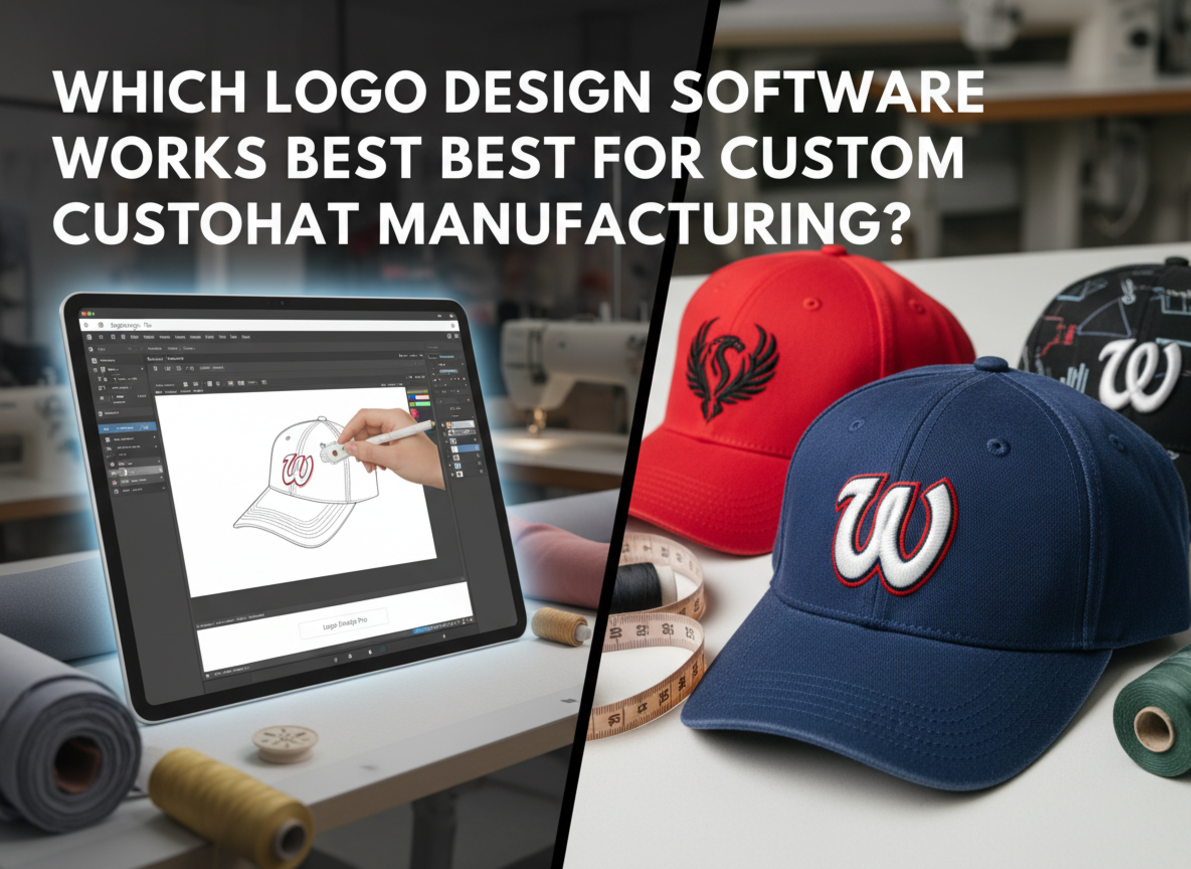
Many designers create amazing logos that fail when embroidered on hats. Threads distort thin lines, gradients disappear, and small text turns unreadable. I learned that choosing the right hat logo design software1 prevents all these issues from the start.
The best software for custom hat manufacturing combines vector precision with embroidery compatibility. Adobe Illustrator2 and CorelDRAW3 create scalable vector logos, while Wilcom4 and Hatch5 convert designs into DST or EMB stitch files6 for production. These tools ensure clarity, proper stitch density7, and alignment across embroidery and printing methods.
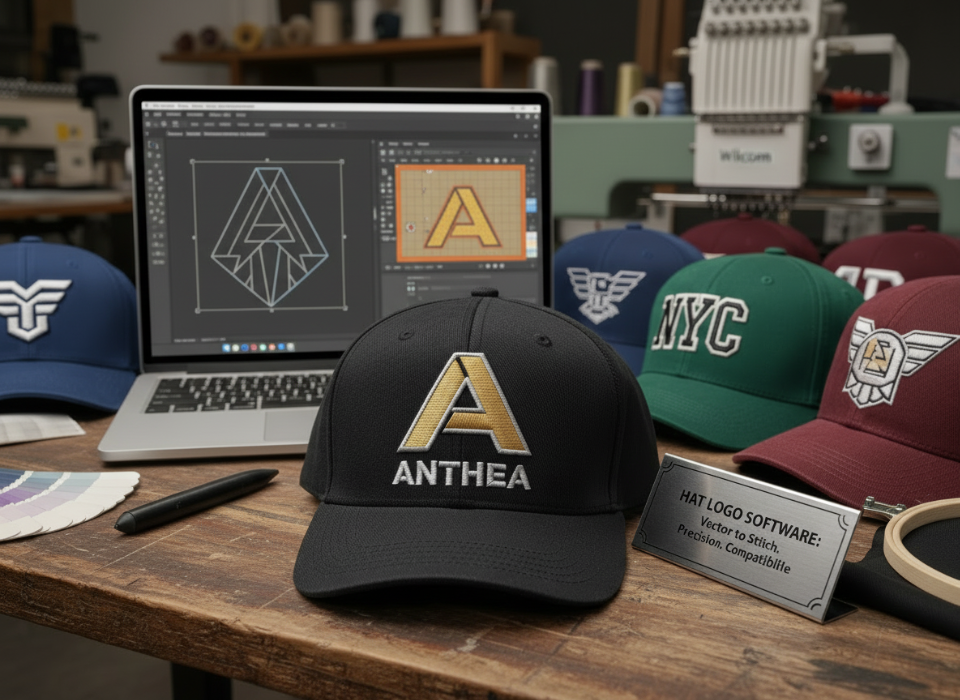
When I began working with manufacturers, I discovered that design tools directly affect production success. Let’s look at which software performs best for each part of the process — from concept to stitch file.
What professional software works best for hat logo design?
I used to rely only on Photoshop for logo design. It looked fine on screen, but not on fabric. Once I switched to vector software, every logo became cleaner and easier to produce.
Professional hat logo design starts with vector programs8 like Adobe Illustrator2, CorelDRAW3, and Affinity Designer. These tools create scalable artwork that stays sharp at any size and transfers perfectly to embroidery.
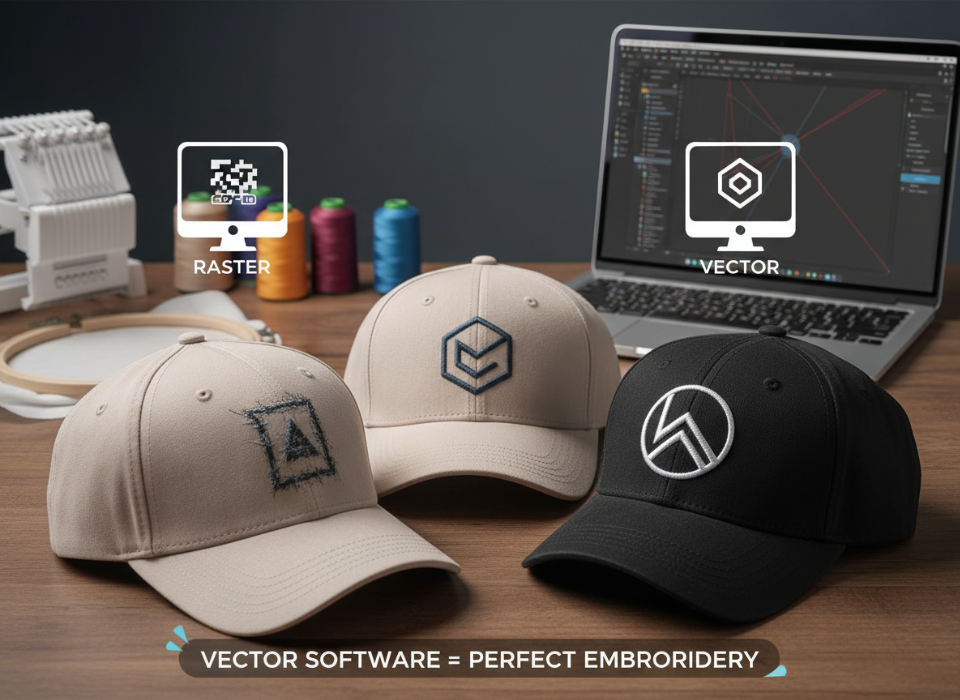
Each software offers tools to simplify curves, reduce colors, and create smooth outlines that machines can follow. Illustrator remains the industry standard for most fashion brands, while CorelDRAW3 dominates embroidery file preparation due to its integration with Wilcom4.
Recommended Vector Software Comparison
| Software | Key Features | Ideal User | Notes |
|---|---|---|---|
| Adobe Illustrator2 | Precision vector editing, easy path control | Professional designers | Works with most embroidery plugins |
| CorelDRAW3 | Fast curve handling, color palette linking | Apparel industry users | Pairs directly with Wilcom4 Embroidery Studio |
| Affinity Designer | Affordable, lightweight vector tool | Freelancers and small teams | Exports AI, EPS, SVG easily |
| Inkscape9 (Free) | Open-source vector editor | Beginners | Use with Ink/Stitch10 for embroidery setup |
Vector creation is the first step. Without clean vector paths, your logo can’t translate into thread accurately.
What software converts logos into embroidery files?
I once sent a perfect vector file to a factory and got an email back saying, “We can’t use this.” That’s when I learned about digitizing11 — the process of turning art into stitches.
Embroidery software like Wilcom4, Hatch5, and Brother PE-Design12 convert vector art into production-ready stitch files6 (DST, EMB). These tools let you set underlay13, density, and direction for each area of the logo.
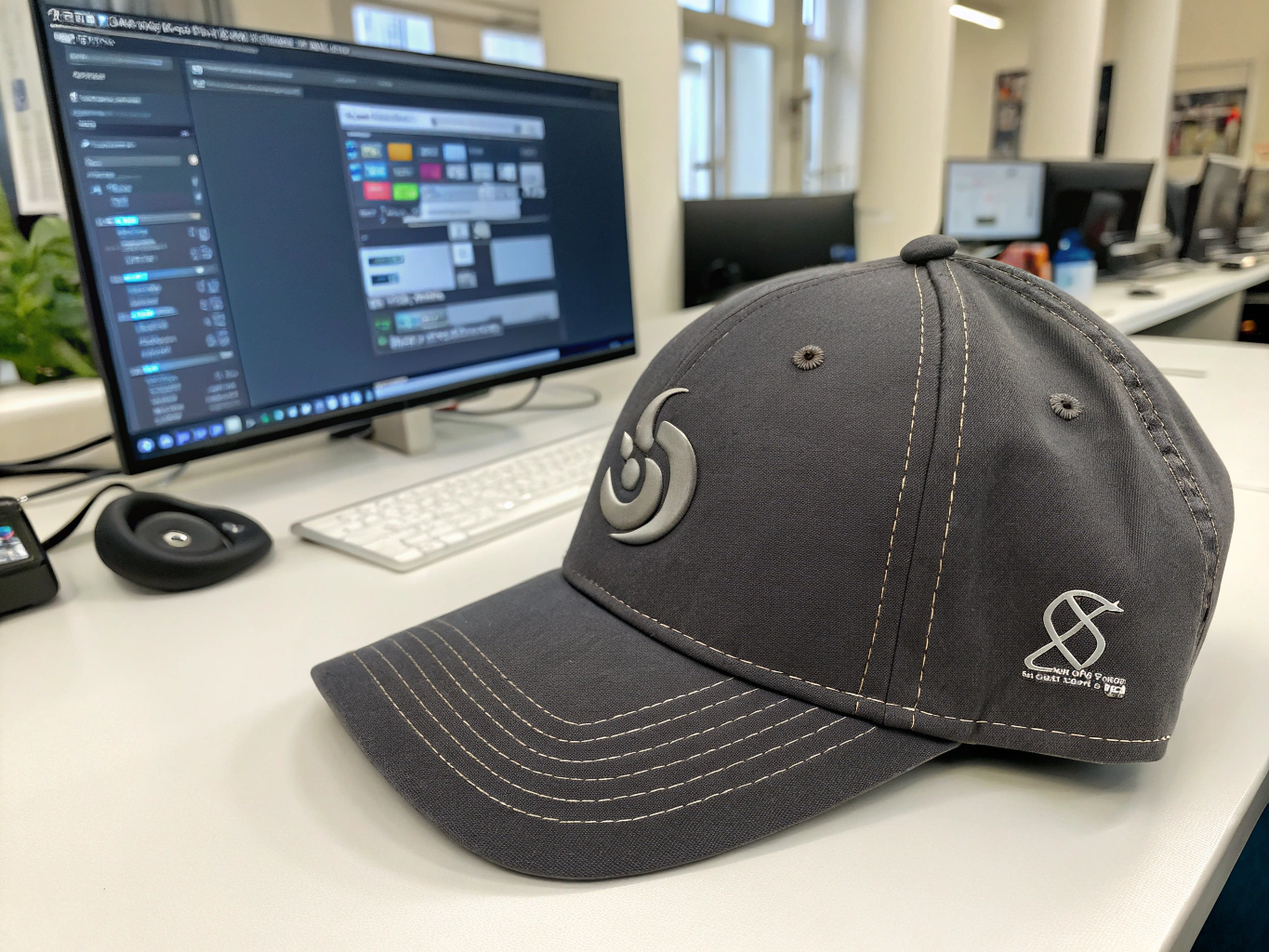
Unlike design tools, embroidery programs simulate how threads move. They show how different stitch types — satin, fill, or running — behave on curved hat panels. Designers can preview how the logo will look when embroidered before it ever reaches the factory.
Top Embroidery Software Tools
| Software | Output Format | Key Features | Notes |
|---|---|---|---|
| Wilcom4 Embroidery Studio | .DST, .EMB | Full professional suite for digitizing11 | Used by major manufacturers |
| Hatch5 Embroidery | .EMB | User-friendly, built on Wilcom4 engine | Ideal for freelancers |
| Brother PE-Design12 | .PES, .DST | Works well with Brother machines | Good for small workshops |
| Ink/Stitch10 (Free) | .DST | Inkscape9 plugin for simple logos | Great entry-level solution |
Combining vector design and embroidery tools ensures your logo keeps its original intent while remaining practical for machine stitching.
How do file formats14 affect production quality?
I’ve seen many clients send JPEG logos for embroidery, thinking any file works. It doesn’t. Manufacturers need vector or stitch-based files, not flat images.
Vector formats (.AI, .EPS, .SVG) and embroidery files (.DST, .EMB) are essential for hat manufacturing. Raster files like .JPG or .PNG lose quality and can’t guide embroidery machines.
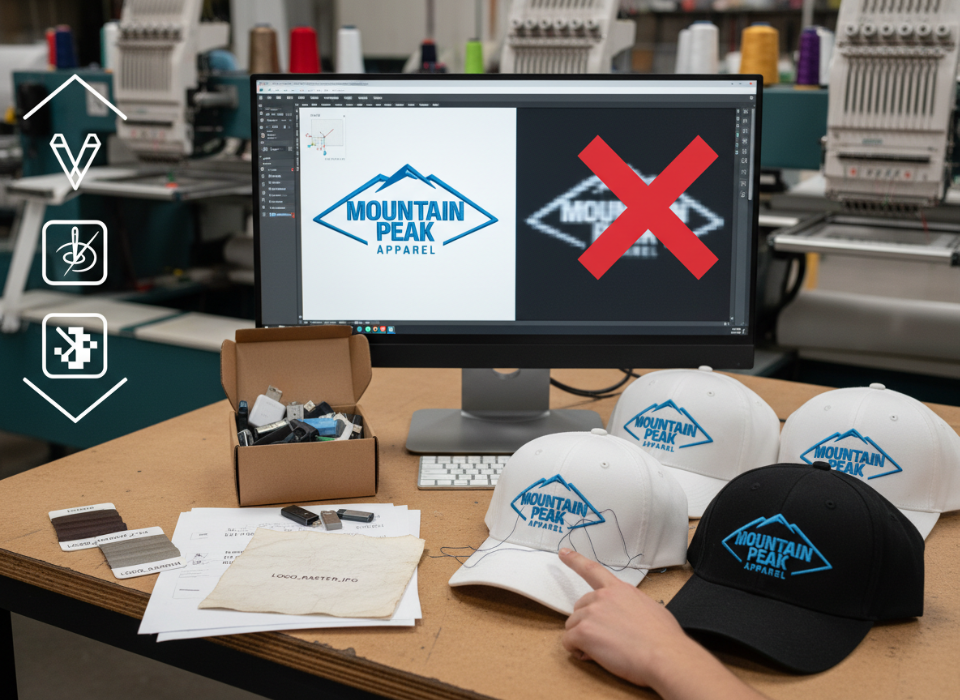
Embroidery machines read coordinates, not pixels. That’s why vector files matter — they tell machines where each needle should move. Printing methods also rely on vectors to keep edges crisp when scaling for different hat sizes.
Common File Types in Hat Production
| File Type | Use | Editable | Description |
|---|---|---|---|
| .AI / .EPS / .SVG | Vector design | Yes | Ideal for creating and scaling logos |
| .DST / .EMB | Embroidery stitch file | Yes | Defines stitch paths and thread details |
| .PNG / .JPG | Preview only | No | Not suitable for production |
| Shared design proof | Partial | Good for client reviews, not stitching |
Before sending files, always confirm the manufacturer’s preferred format. Most factories accept .DST or .EMB for embroidery and .AI or .PDF for printing.
What should designers know about embroidery limitations?
Many designers create perfect digital logos that fail once stitched. I learned that embroidery follows physical rules — threads have weight, tension, and direction.
Embroidery-ready logo design tools must account for stitch density7, underlay13, and thread movement. Ignoring these details can cause puckering, gaps, or color misalignment.
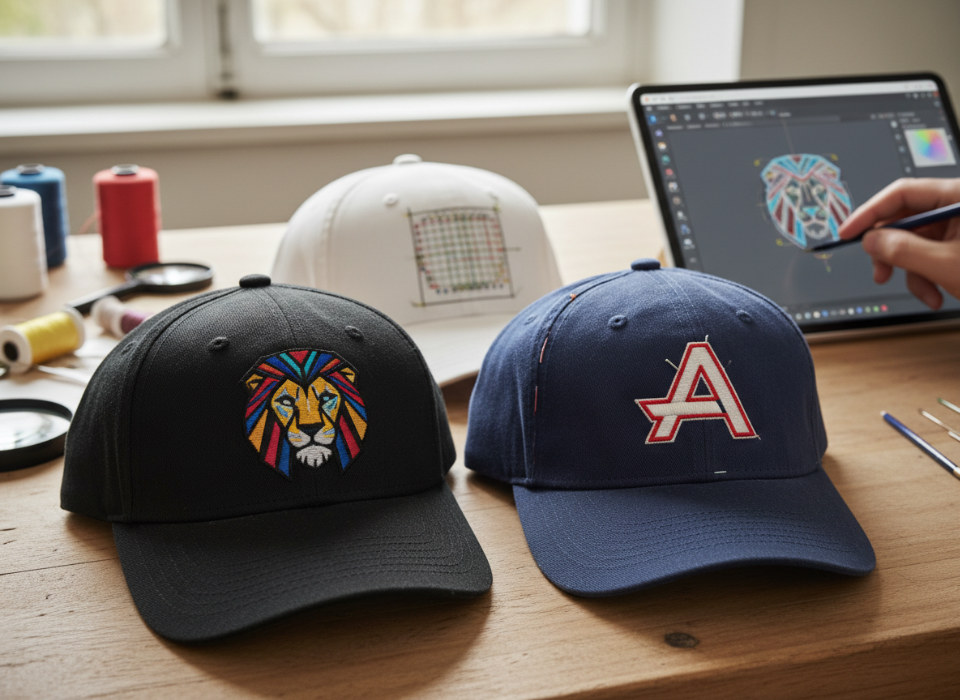
The best practice is to avoid fine gradients, ultra-thin lines, and small lettering. Each stitch has a minimum width. Underlay stitching adds strength, while correct density ensures smooth coverage without stiffness.
Key Embroidery Considerations
| Factor | Best Practice | Common Mistake |
|---|---|---|
| Stitch Density | Medium (0.4mm) | Too dense causes stiffness |
| Underlay | 1–2 layers depending on fabric | Skipping underlay13 causes distortion |
| Color Count | Keep under 6 colors | Too many increases thread change time |
| Line Weight | Minimum 1mm for visibility | Thin lines disappear on curved surfaces |
Designing with these rules makes your logo look just as clean in thread as it does on screen.
Which free or affordable tools can designers start with?
When I started freelancing, I couldn’t afford premium software. Over time, I found reliable alternatives that still produced manufacturer-ready results.
Free or affordable hat logo design tools like Inkscape9, Ink/Stitch10, and Placeit15 allow designers to create, preview, and test embroidery-compatible designs without big costs.
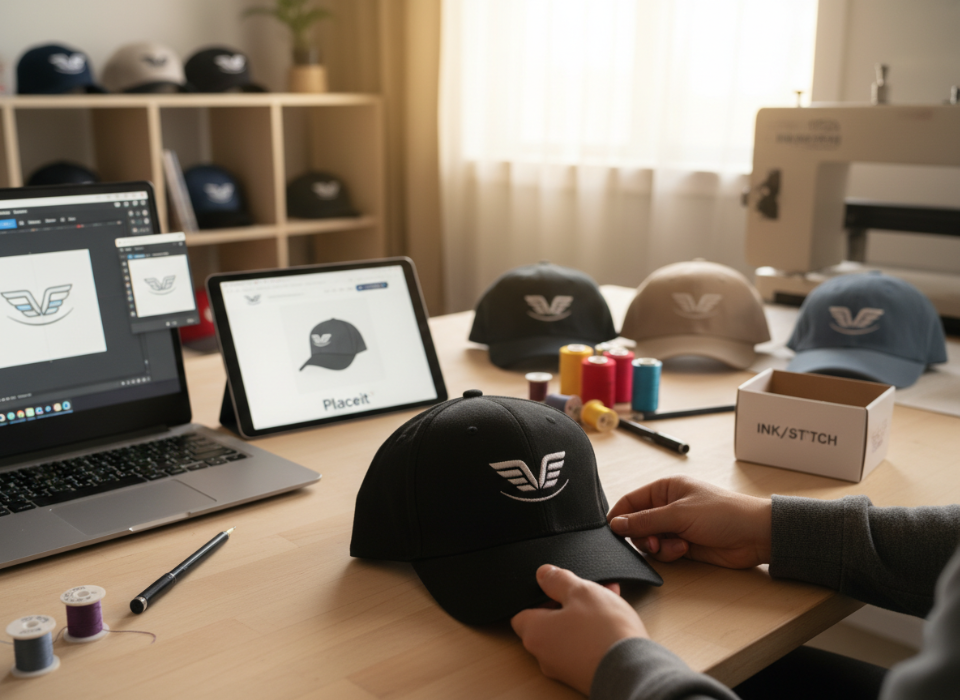
Inkscape9 lets you create vector files similar to Illustrator. When paired with the Ink/Stitch10 plugin, it can simulate stitch patterns for embroidery testing. Online platforms like Placeit15 or Style3D help visualize how the logo looks on different hat models.
Budget-Friendly Tools for Designers
| Tool | Function | Cost | Strength |
|---|---|---|---|
| Inkscape9 + Ink/Stitch10 | Vector + embroidery simulation | Free | Best open-source combo |
| Placeit15 | Mockup generator | From $15/month | Fast visual previews |
| Affinity Designer | Vector design | One-time fee | Professional alternative to Adobe |
| Canva Pro | Simple layout design | Subscription | Limited vector control |
These tools are great for testing ideas before switching to full-scale production software.
How Anthea16 supports designers in the manufacturing process17?
I often work with designers who have beautiful ideas but lack technical guidance. Without manufacturer feedback, even good designs can fail during sampling.
At Anthea16, our team reviews submitted logo files, converts them into manufacturer-ready formats, and provides embroidery sampling feedback. We ensure your vector or stitch file works flawlessly before production.
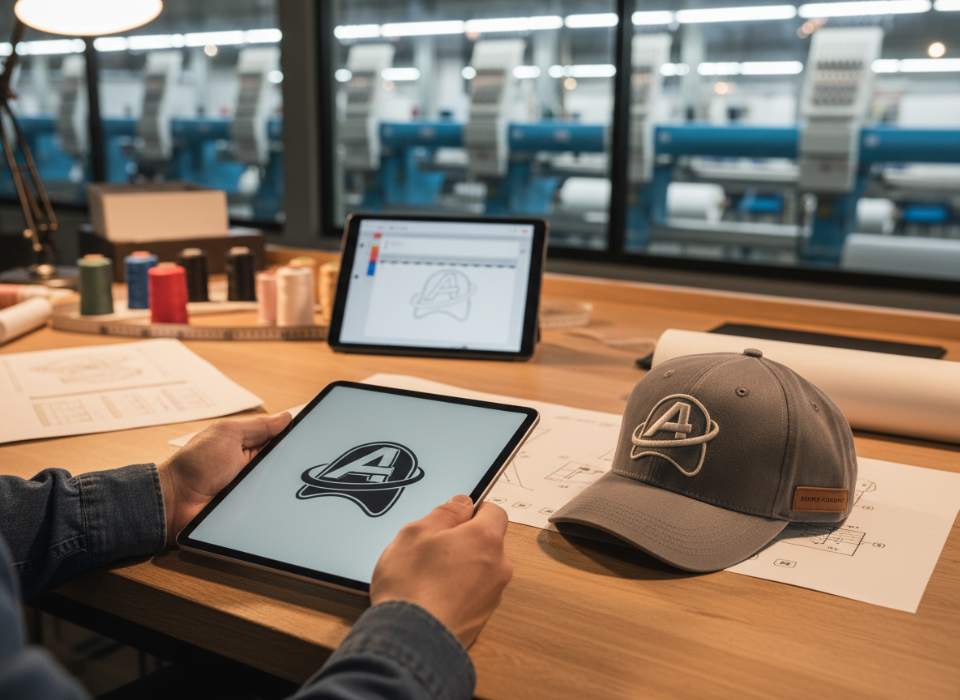
We help designers fix density issues, adjust color separations, and verify thread counts. This service helps save time and prevents costly re-runs. Our goal is to make every design production-ready — from the first digital sketch to the final embroidered hat.
How Our File Support Process Works
| Step | What We Do | Why It Matters |
|---|---|---|
| File Check | Review logo for embroidery compatibility | Prevents production errors |
| Format Conversion | Create .DST or .EMB files | Ready for machine stitching |
| Sampling | Test logo on real fabric | Ensures true visual outcome |
| Designer Feedback | Share adjustments and recommendations | Builds better long-term design habits |
Collaborating with manufacturers early ensures every logo turns into a flawless final product.
Conclusion
The best hat logo design software1 blends creative freedom with production precision. Using vector and embroidery-ready tools helps your designs move smoothly from concept to fabric — keeping your brand’s look consistent and professional every time.
-
Explore this link to discover top software that ensures your designs translate perfectly to embroidery. ↩ ↩
-
Learn how Adobe Illustrator’s vector capabilities can enhance your logo design for embroidery. ↩ ↩ ↩
-
Find out why CorelDRAW is favored for embroidery file preparation and its integration with Wilcom. ↩ ↩ ↩ ↩
-
Discover the powerful features of Wilcom that make it a top choice for professional embroidery. ↩ ↩ ↩ ↩ ↩ ↩
-
Explore how Hatch can streamline your embroidery process with user-friendly features. ↩ ↩ ↩
-
Learn about various stitch file formats and their significance in the embroidery process. ↩ ↩
-
Discover the impact of stitch density on the quality and appearance of embroidered logos. ↩ ↩
-
Explore the best vector programs that ensure your logos are scalable and embroidery-ready. ↩
-
Explore Inkscape’s capabilities as a free vector design tool for creating logos. ↩ ↩ ↩ ↩ ↩
-
Discover how Ink/Stitch can simulate embroidery patterns for better design testing. ↩ ↩ ↩ ↩ ↩
-
Understand the digitizing process and its importance in converting art into stitches. ↩ ↩
-
Learn about Brother PE-Design and how it works seamlessly with Brother embroidery machines. ↩ ↩
-
Find out why underlay is crucial for preventing distortion in embroidered designs. ↩ ↩ ↩
-
Understand the importance of using the right file formats for successful hat logo production. ↩
-
Learn how Placeit can quickly generate visual previews of your logo on various hats. ↩ ↩ ↩
-
Learn how Anthea assists designers in ensuring their logos are production-ready. ↩ ↩
-
Explore how understanding the manufacturing process can improve your logo design outcomes. ↩