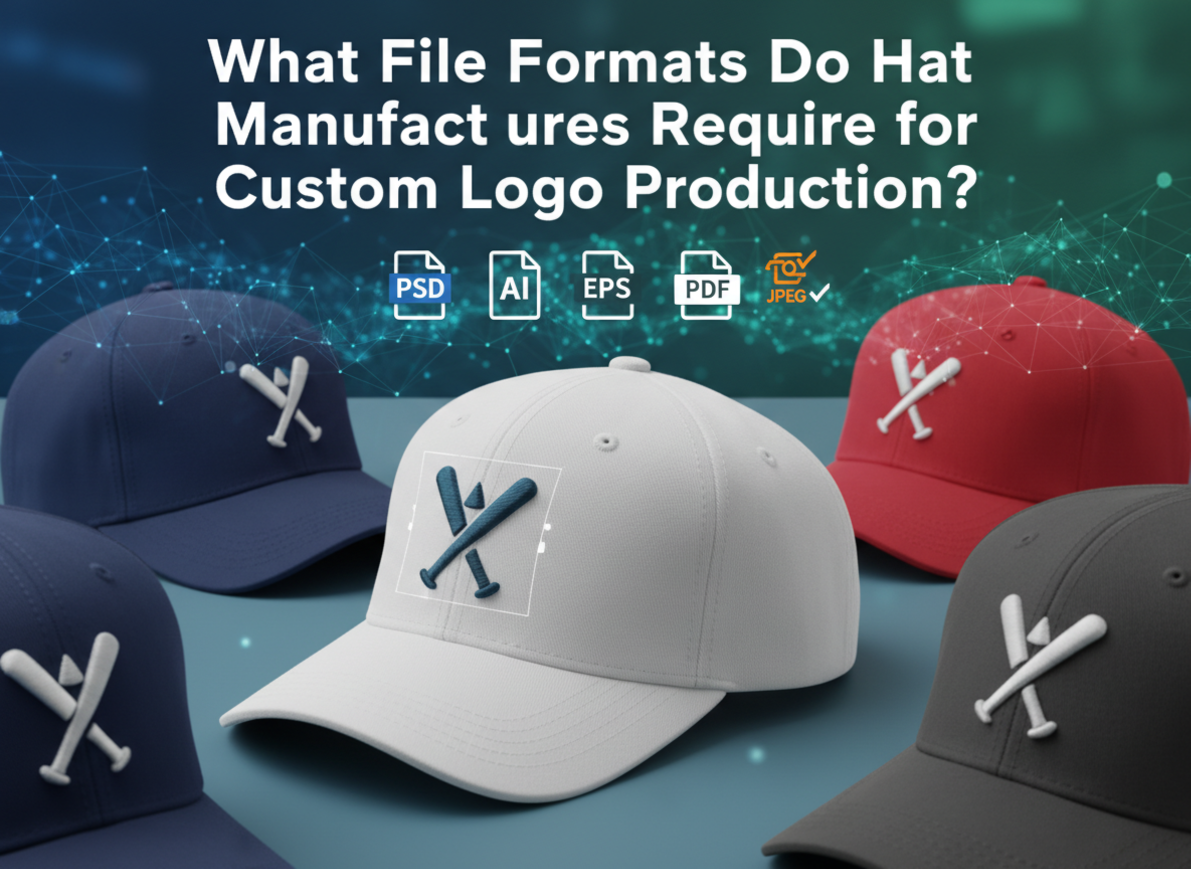
Many brands send the wrong artwork files to their suppliers. Production stops, samples get delayed, and extra fees appear for “file conversion1.” I’ve seen weeks lost because of missing fonts or low-quality images. Knowing the right hat manufacturing file formats2 saves time, money, and headaches.
Hat manufacturers require vector files3 such as AI, EPS, or PDF for custom logo production. For embroidery4, digitized stitch files5 like DST6, EMB7, or PES8 are also accepted. All text should be converted to outlines, colors clearly labeled, and artwork scaled 1:1 to ensure accuracy and smooth production.
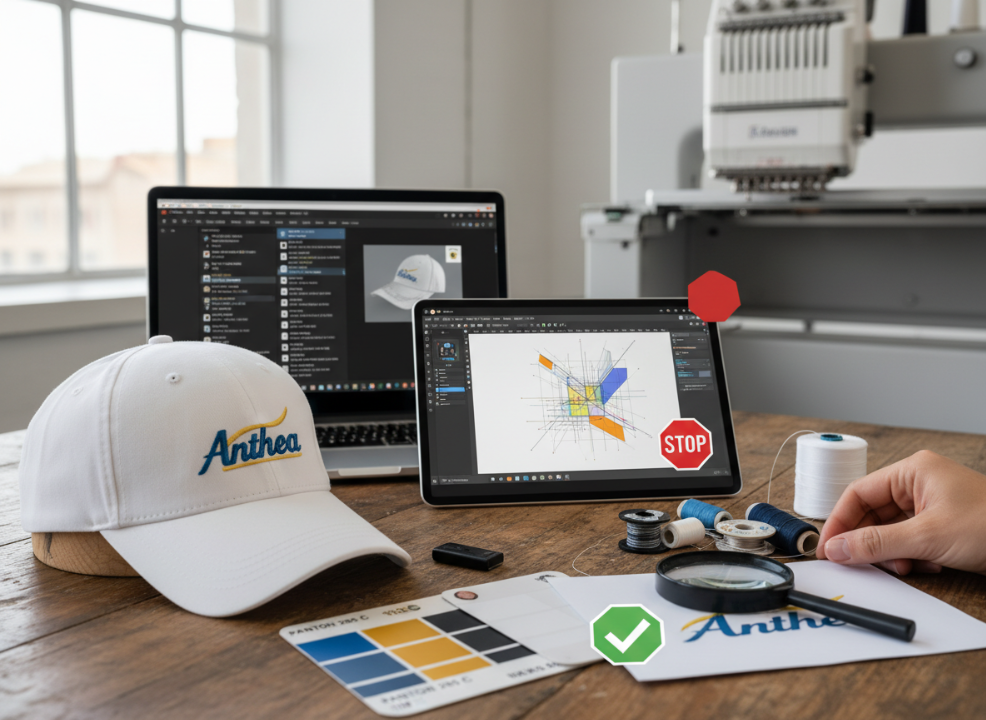
When I prepare designs for production, I always start by confirming file compatibility. Each format serves a purpose — vector files3 define shapes, raster files9 handle textures, and embroidery4 files translate artwork into stitches.
Why are correct file formats crucial for hat manufacturing?
I’ve received emails from frustrated clients saying their logos looked blurry or misplaced after sampling. Almost every time, the issue came from an unsuitable file format.
Correct file formats ensure your logo stays sharp, aligned, and true to its original design throughout embroidery4, printing, or heat transfer production.
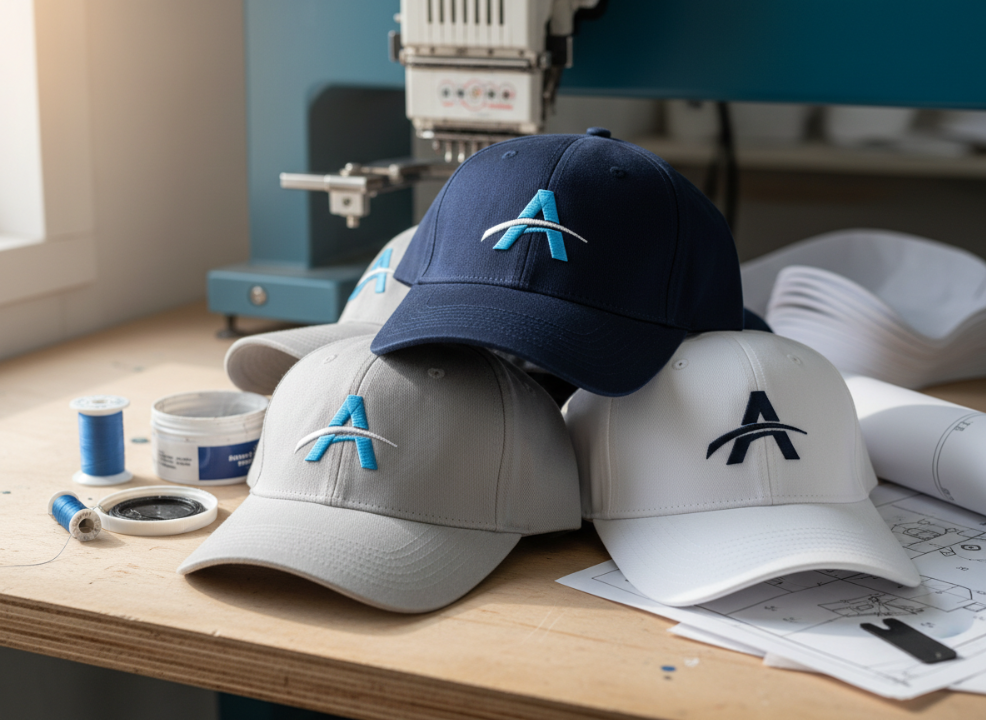
Factories rely on clean artwork to interpret logo details. When files are flattened or pixelated, technicians must recreate the design, adding time and cost. Using the right format guarantees accurate color matching, perfect alignment, and faster production approval.
Why It Matters
| Issue | Cause | Solution |
|---|---|---|
| Blurry logo edges | Raster file enlarged beyond limits | Use vector (AI, EPS, PDF) |
| Missing font or shape | Text not converted to outlines | Convert all text before saving |
| Wrong color shades | No color profile provided | Include Pantone10 or CMYK11 codes |
| Delayed approval | Factory must recreate art | Submit manufacturer-ready files |
Using correct formats builds trust and speeds up communication with suppliers.
Vector vs. raster files9 — what’s the difference?
When I first started in hat production, I sent a beautiful PNG logo to a factory. They told me it was unusable. That was when I learned the difference between vector and raster files9.
Vector files (AI, EPS, PDF) use scalable paths that stay sharp at any size. Raster files (PNG, PSD, TIFF) use pixels and lose quality when enlarged, making them unsuitable for embroidery4.
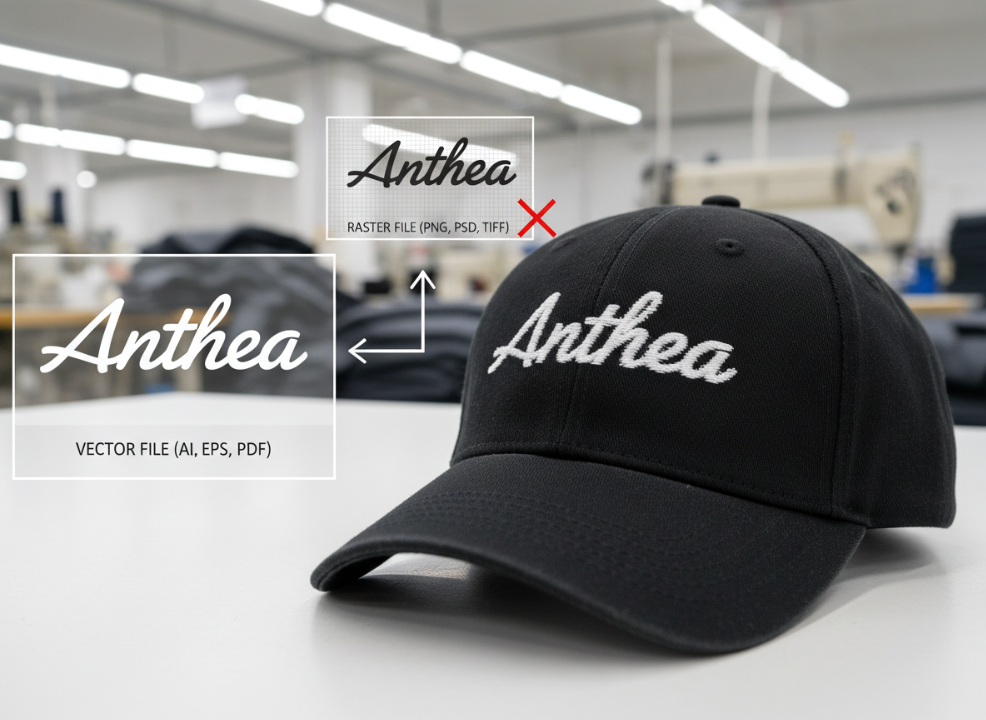
Vector graphics define mathematical shapes, which embroidery4 and laser-cutting machines can read precisely. Raster images, however, are built from pixels — fine for mockups but not for manufacturing. When logos come from designers, factories need vector art to trace and digitize accurately.
File Type Comparison
| File Type | Category | Editable | Best Use |
|---|---|---|---|
| .AI | Vector | Yes | Standard for design and embroidery4 setup |
| .EPS | Vector | Yes | Compatible with most factory systems |
| Vector | Partial | Great for approvals and proofing | |
| .PNG / .JPG | Raster | No | Web previews or simple mockups |
| .PSD / .TIFF | Raster | Yes | Print-only applications |
Always submit vector files3 unless your manufacturer explicitly requests raster artwork for digital printing.
What file formats do manufacturers accept for embroidery4?
When embroidery4 enters the process, things change. Your factory doesn’t use .AI or .PDF files directly. They need digitized files that tell machines how to stitch.
For embroidery4, manufacturers use stitch-based file formats such as DST6, EMB7, or PES8. These formats define each stitch’s direction, density, and color stop for accurate logo reproduction.
[^4]-enters-the-proce.pnghttps://antheahats.com/wp-content/uploads/2026/01/when-[embroidery](https://impressionsmagazine.com/process-technique/embroidery-file-types-formats-software/24569/)[^4]-enters-the-proce.png "hat embroidery file formats")
Digitizing converts vector shapes into machine-readable stitch paths. Each embroidery4 machine brand uses specific file types — Tajima (DST6), Wilcom (EMB7), or Brother (PES8). This process requires technical precision, especially on curved hat panels where stitch pull can distort artwork.
Common Embroidery File Types
| Format | Machine Brand | Editable | Description |
|---|---|---|---|
| .DST6 | Tajima | No | Universal format for most manufacturers |
| .EMB7 | Wilcom | Yes | Includes editable stitch and color data |
| .PES8 | Brother | Yes | Used for small embroidery4 setups |
| .JEF / .HUS | Janome / Husqvarna | Yes | Niche machine-specific formats |
When preparing for embroidery4, always request your digitized logo in DST6 and EMB7 formats. This ensures flexibility across different manufacturers.
What are the requirements for print-ready hat artwork?
When logos are printed instead of embroidered, file needs shift again. I once worked on a sublimated cap design that lost its color accuracy because the file wasn’t in the right color mode.
Print-ready artwork for hats should be in vector or 300 DPI12 raster format with CMYK11 or Pantone10 color settings. Always provide files at 1:1 scale with clear placement guides.
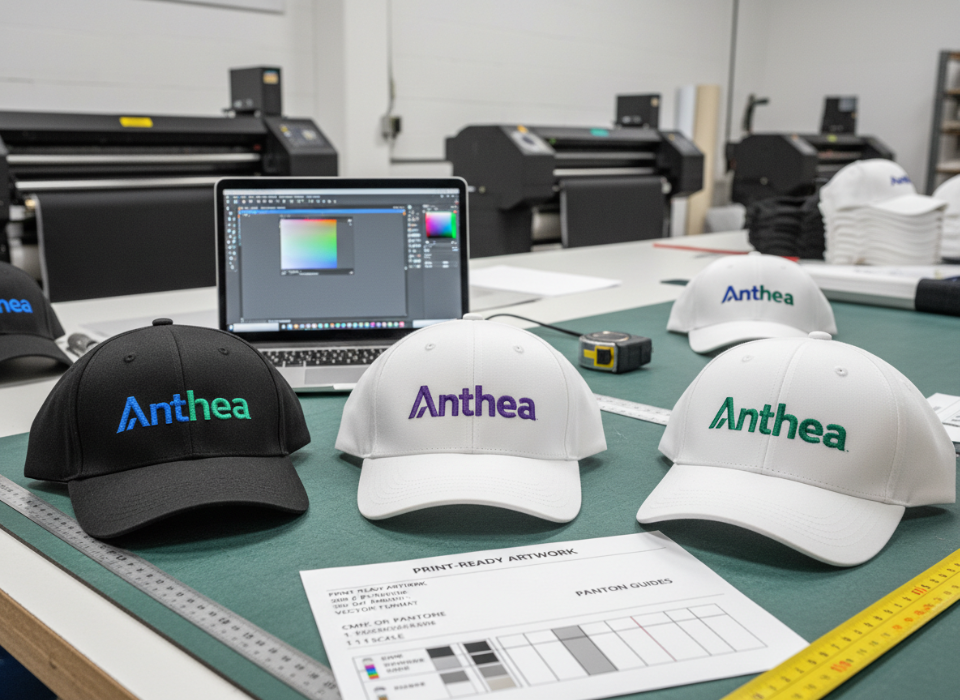
Digital and screen printing processes need high-resolution artwork to maintain crisp edges. For heat transfer, avoid semi-transparent layers or effects. Each color should be solid and clearly separated for accurate transfer.
Print Artwork Checklist
| Requirement | Recommendation | Why It Matters |
|---|---|---|
| Color Mode | CMYK11 or Pantone10 | Ensures color accuracy in production |
| Resolution | 300 DPI12 minimum | Prevents pixelation on prints |
| Scaling | 1:1 (actual size) | Avoids resizing errors |
| File Type | .AI, .PDF, .PSD | Compatible with most print systems |
| Bleed | 0.125" | Prevents trimming issues |
Following these specs guarantees your printed logos appear just as vibrant on the final hat as on your screen.
Common mistakes that delay production
I’ve helped clients fix countless production delays13 caused by preventable file errors. The same few mistakes appear over and over.
The most common issues are submitting flattened images, unconverted fonts, missing color references, and non-scaled artwork. These problems force factories to rework designs or request revisions.
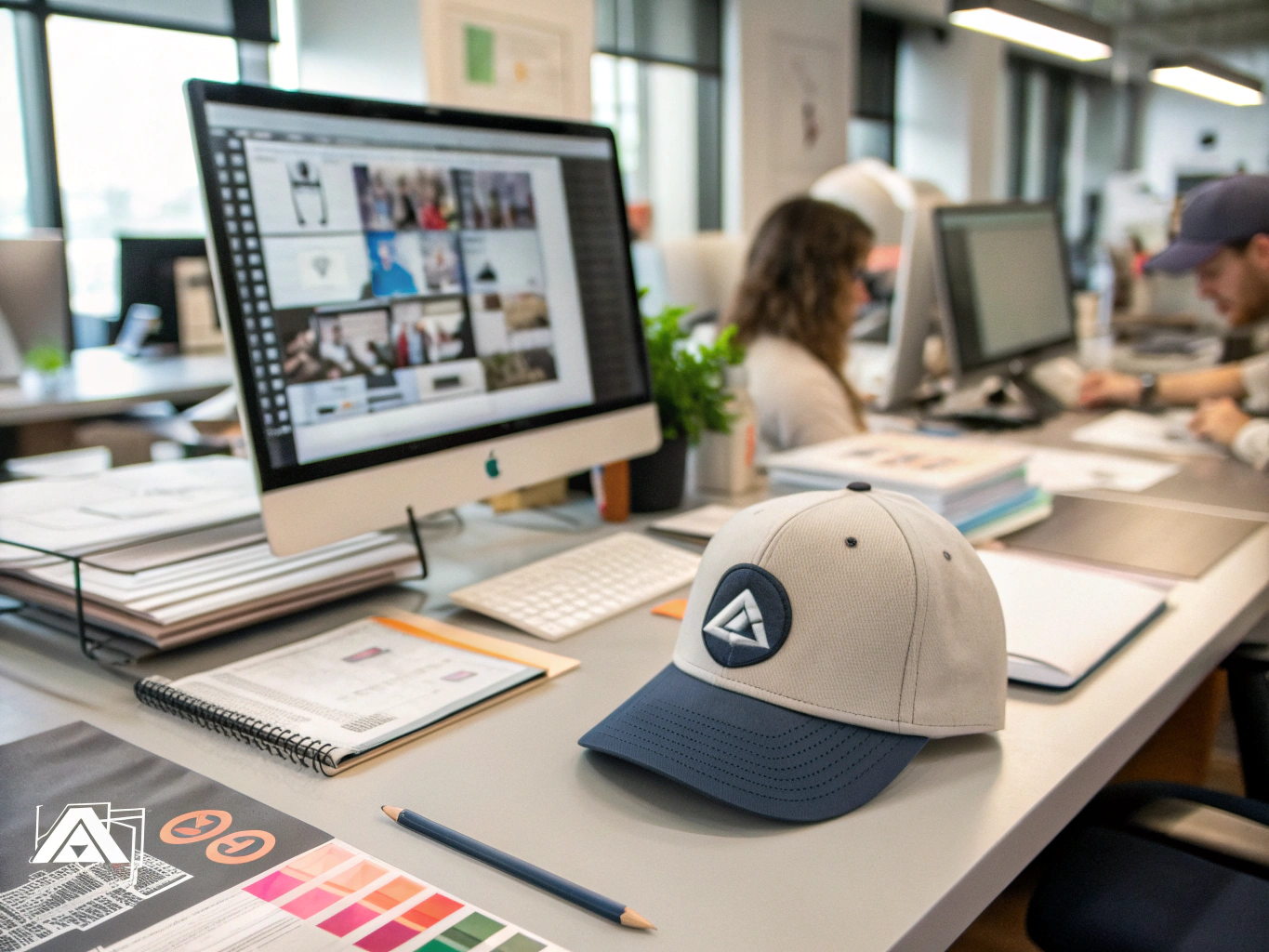
I always recommend clients double-check file details before sending them off. Even simple oversights can add days to approval and sampling.
Frequent File Preparation Errors
| Mistake | Result | Fix |
|---|---|---|
| Unconverted text | Missing fonts in factory systems | Convert text to outlines |
| Low-res raster logo | Blurry embroidery4 preview | Use vector art only |
| Wrong file type | File rejected | Save as AI, EPS, or PDF |
| Missing color codes | Inaccurate printing | Add Pantone10 or CMYK11 values |
| Incorrect scaling14 | Misplaced logo | Design at actual hat size |
Following a checklist before submission is the best way to keep your project on schedule.
How Anthea15 simplifies file preparation16 for clients?
Many clients don’t have design teams or technical knowledge. That’s where my team steps in. At Anthea15, we bridge the gap between creative design and factory-ready artwork.
Anthea15 provides clear artwork templates17, file format conversion, and pre-production checks. Our team reviews every file for scaling14, stitch count, and compatibility before sampling.
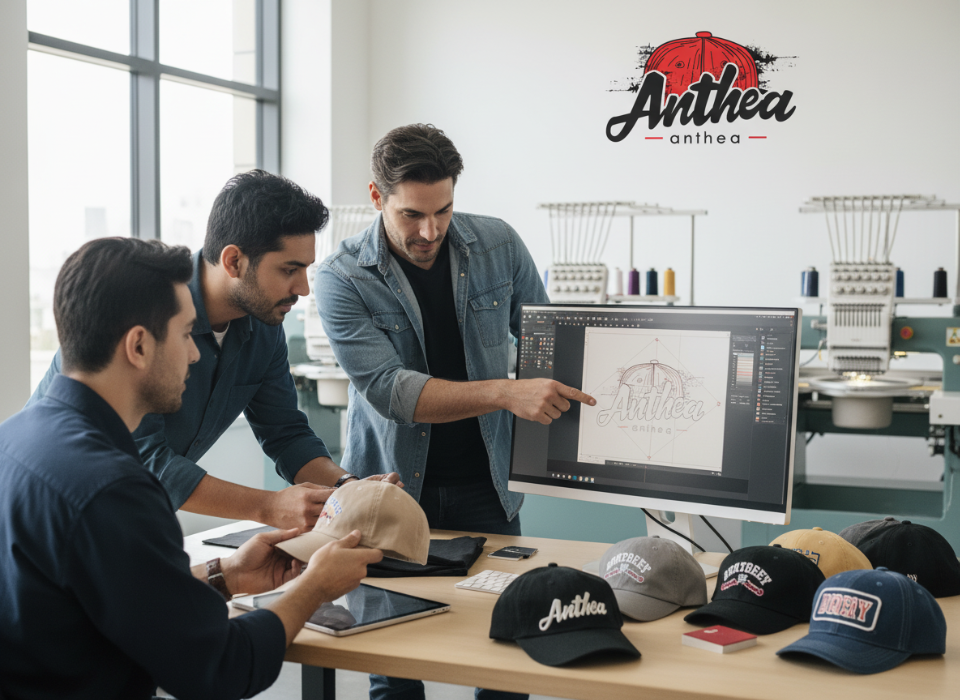
We’ve helped hundreds of clients fix artwork issues before production begins. This process eliminates guesswork and ensures the final hats match the brand’s expectations.
Our File Preparation Support
| Step | Service | Outcome |
|---|---|---|
| Artwork Review | Check file size, resolution, and colors | Detect issues early |
| File Conversion | Create DST6, EMB7, or PDF formats | Save client time |
| Template Guidance | Provide layout guides for each hat style | Accurate logo placement |
| Sampling Test | Preview embroidery4 or print results | Ensure quality before bulk production |
By working directly with our technical team, clients avoid artwork-related delays and guarantee a smooth production experience.
Conclusion
Submitting correct hat manufacturing file formats2 makes every project faster, smoother, and more professional. Use vector or digitized files, confirm scale, and provide clear color codes. With the right preparation — and Anthea15’s support — your custom hats18 will move from concept to completion without a hitch.
-
Understand how file conversion can streamline your design process and prevent issues. ↩
-
Understanding the right file formats can save you time and money in the production process. ↩ ↩
-
Vector files ensure your designs remain sharp and scalable, crucial for high-quality production. ↩ ↩ ↩
-
Discover the specific file formats that ensure accurate embroidery and avoid production delays. ↩ ↩ ↩ ↩ ↩ ↩ ↩ ↩ ↩ ↩ ↩ ↩ ↩ ↩
-
Understanding digitized stitch files is key to successful embroidery and logo reproduction. ↩
-
Explore the significance of the DST format for embroidery machines and its benefits. ↩ ↩ ↩ ↩ ↩ ↩
-
Learn how the EMB format provides editable stitch data for precise embroidery. ↩ ↩ ↩ ↩ ↩ ↩
-
Find out how the PES format is utilized in small embroidery setups for hats. ↩ ↩ ↩ ↩
-
Learn why raster files can lead to quality issues and how to avoid them in your designs. ↩ ↩ ↩
-
Explore how Pantone colors can enhance the accuracy of your printed logos. ↩ ↩ ↩ ↩
-
Understanding CMYK is essential for ensuring color accuracy in printed designs. ↩ ↩ ↩ ↩
-
Learn why high resolution is crucial for maintaining quality in printed designs. ↩ ↩
-
Identifying common pitfalls can help you avoid costly delays in your projects. ↩
-
Discover the importance of scaling your artwork correctly to avoid production errors. ↩ ↩
-
Discover how Anthea can help you navigate the complexities of file preparation. ↩ ↩ ↩ ↩
-
Learn the essential steps to ensure your files are ready for smooth production. ↩
-
Explore how templates can guide you in creating factory-ready designs efficiently. ↩
-
Understanding the design process for custom hats can lead to better outcomes. ↩